

LG Smart TV NANO 4K UHD AI Size 75 Model 75NU835BPSA


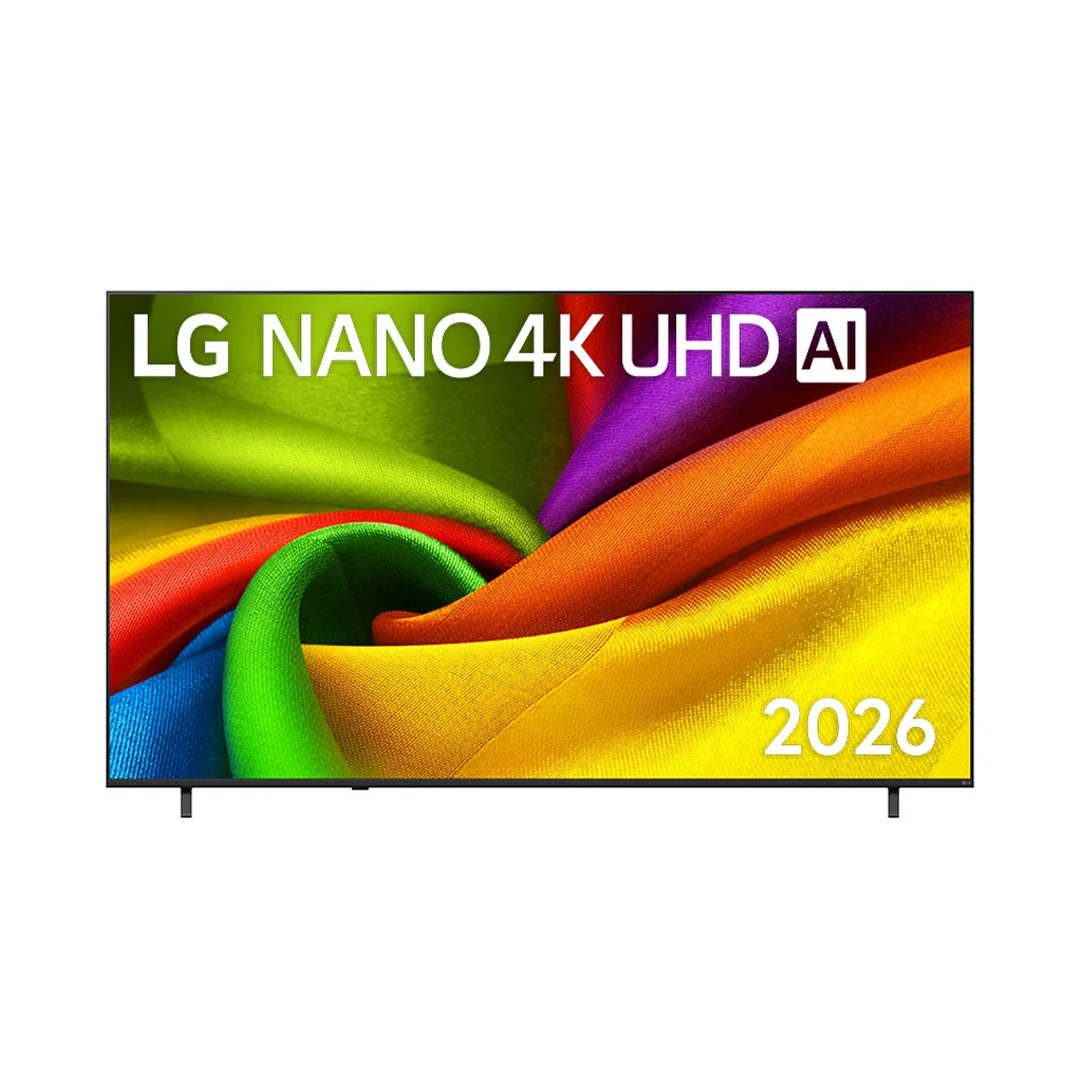
LG Smart TV NANO 4K UHD AI Size 75 Model 75NU835BPSA
฿
22,990
Shop more from LG


Sold by
Lotus's Official Store
Product description
🧊 รายละเอียดสินค้า
สินค้ารับประกันจากผู้ผลิต
LG สมาร์ท ทีวี NANO 4K UHD AI ขนาด 75 นิ้ว รุ่น 75NU835BPSA
📦 ข้อมูลสินค้าทั่วไป
· แบรนด์: LG
· รุ่น: 75NU835BPSA
· ประเภท: สมาร์ททีวี (Smart TV)
· สี: ดำ
· ขนาดหน้าจอ: 75 นิ้ว
· ระบบปฏิบัติการ: webOS 26
· ขนาดสินค้า: 166.9 x 102.6 x 36.1 ซม.
· น้ำหนัก: 30.1 กก.
· กำลังไฟฟ้า : 195w
· แรงดันไฟฟ้า : 100-240 V ความถี่ที่กำหนด 50/60 Hz
⚙️ คุณสมบัติเฉพาะ
· Nano Detail Enhancer ปรับสีสันและคอนทราสต์ให้มีมิติมากขึ้น
· α7 AI Processor 4K Gen 9 ชิปประมวลผลยกระดับภาพ 4K
· AI TV & webOS 26 สมาร์ททีวีใช้งานง่ายที่ปรับมาเพื่อคุณ
· AI Magic Remote รีโมทใช้งานสะดวกเสมือนเมาส์ไร้สาย
· Active HDR รองรับภาพ HDR10 และ HLG
· 4K Super Upscaling ยกระดับความคมชัดของภาพ 4K
🛠 วิธีใช้งาน
· กดปุ่ม Power บนรีโมทเพื่อเปิดเครื่อง
· เลือกภาษาและภูมิภาคตามต้องการตามคำแนะนำบนหน้าจอ
· เข้าเมนู Settings และเลือกเครือข่ายเพื่อเชื่อมต่อ Wi-Fi
· ลงชื่อเข้าใช้ LG Account เพื่อดาวน์โหลดแอปพลิเคชันเพิ่มเติม
· กดปุ่ม Home บนรีโมทเพื่อเปิดหน้าจอหลัก (Home Dashboard)
· เข้าเมนู APPS เพื่อค้นหาและติดตั้งแอปพลิเคชันที่ต้องการ
· ใช้เมนูแก้ไขในหน้าแอปพลิเคชันเพื่อย้ายหรือจัดเรียงแอปที่ต้องการ
📌 คำแนะนำ
· ศึกษาคู่มือการติดตั้งและวิธีการใช้งานอย่างละเอียด
· ปฏิบัติตามคำแนะนำบนหน้าจอในการตั้งค่าเครื่องครั้งแรก
· ควรติดตั้งทีวีบนพื้นผิวที่มั่นคงและปลอดภัย
🛡 ข้อมูลการรับประกัน
· รับประกันสินค้า 3 ปี
🧊 Product Details
Product warranty by manufacturer
LG Smart TV NANO 4K UHD AI Size 75 inch Model 75NU835BPSA
📦 General Information
· Brand: LG
· Model: 75NU835BPSA
· Type: Smart TV
· Color: Black
· Screen Size: 75 inches
· Operating System: webOS 26
· Product Dimensions: 166.9 x 102.6 x 36.1 cm
· Weight: 30.1 kg
· Power: 195 W
· Voltage: 100–240 V; Rated frequency: 50/60 Hz
⚙️ Key Features
· Nano Detail Enhancer enhances colors and contrast for greater depth
· α7 AI Processor 4K Gen 9 enhances 4K picture quality
· AI TV & webOS 26 provides an easy-to-use personalized Smart TV experience
· AI Magic Remote provides convenient control like a wireless mouse
· Active HDR supports HDR10 and HLG
· 4K Super Upscaling enhances 4K picture clarity
🛠 Usage
· Press the Power button on the remote control to turn on the TV
· Select the preferred language and region according to the on-screen instructions
· Go to Settings and select the network option to connect to Wi-Fi
· Sign in to your LG Account to download additional applications
· Press the Home button on the remote control to open the Home Dashboard
· Open the APPS menu to search for and install desired applications
· Use the edit menu on the application screen to move or arrange applications
📌 Recommendations
· Read the installation and user manual carefully
· Follow the on-screen instructions during the initial setup
· Install the TV on a stable and secure surface
🛡 Warranty Information
· Product Warranty: 3 Years
*ภาพสินค้าเป็นเพียงภาพตัวอย่าง สินค้าจริงอาจมีความแตกต่างจากภาพเล็กน้อย
*Product images are only sample images. Actual product may differ slightly from the images.
Read more
Specifications
Total volume
182 x 16.2 x 108.5 cm, 30.1kg
SKU
75774042