

รหัสไปรษณีย์
TP-LINK Router (Archer AX10) Wireless AX1500 Dual Band Gigabit Wi-Fi 6 - A0129216

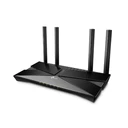

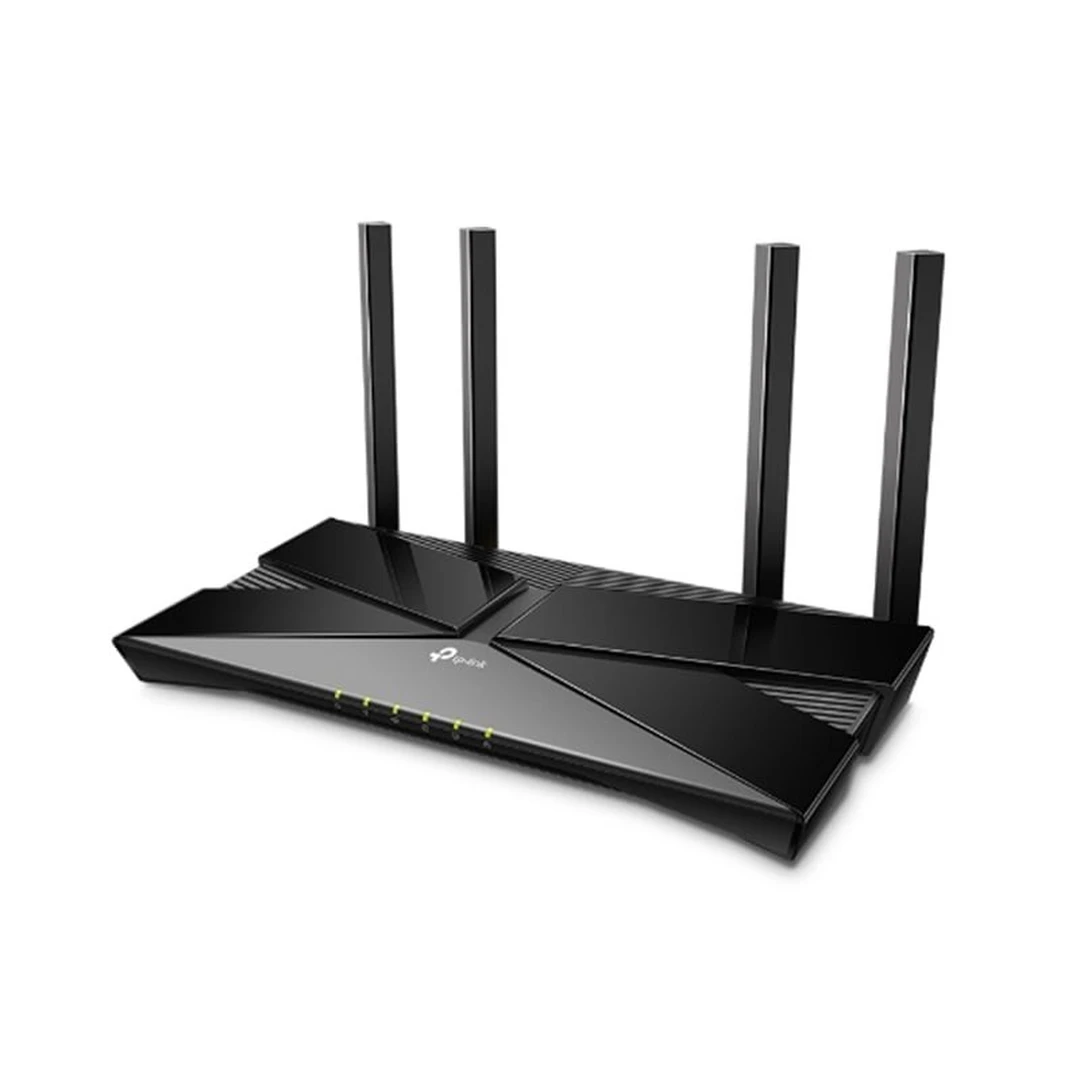
TP-LINK Router (Archer AX10) Wireless AX1500 Dual Band Gigabit Wi-Fi 6 - A0129216
ทีพีลิงค์
1 หน่วย
฿ 1,550.00 ต่อหน่วย
รหัส : A0129216
฿
1,550
การจัดส่งและใบกำกับภาษี
จำหน่ายโดย
Advice Official Store
รายละเอียดสินค้า
Brand : TP-LINK
Model : Archer AX10
Standards : IEEE 802.11ax/ac/n/a 5 GHz
IEEE 802.11n/b/g 2.4 GHz
Antennas : 4× Fixed Omni-Directional Antennas
Frequency : 5 GHz and 2.4 GHz
Range : 1201 Mbps (5 GHz, 11ax)
300 Mbps (2.4 GHz, 11n)
Compatible with 802.11a/b/g/n/ac Wi-Fi standards
Processor Specs : 1.5 GHz Triple-Core CPU
Interface : 1 × 10/100/1000 Mbps WAN Port
4 × 10/100/1000 Mbps LAN Ports
Button : WPS/Wi-Fi On/Off Button, Reset Button, Power On/Off Button
Memory : 256 MB RAM
16 MB Flash
VPN Support : OpenVPN
PPTP
Operation Mode : Router Mode
Access Point Mode
System Requirements : Microsoft Windows 98SE/NT/2000/XP/Vista™/7/8/8.1/10, MAC OS,NetWare, UNIX or Linux
Internet Explorer 11, Firefox 12.0, Chrome 20.0, Safari 4.0, or other
Java-enabled browser
Cable or DSL Modem
Subscription with an internet service provider (for internet access)
Power Supply : 12 V / 1 A
Certification : FCC, CE, RoHS
Package Contents : Wireless Router Archer AX10
Power Adapter
RJ45 Ethernet Cable
Quick Installation Guide
: SOFTWARE FEATURES
WAN Type : Dynamic IP/Static IP/PPPoE
Management : Parental Control, Guest Network
DHCP : Server, DHCP Client List, Address Reservation
Dynamic DNS : DynDns, NO-IP, TP-Link
Guest Network : 2.4 GHz guest network × 1, 5 GHz guest network × 1
NAT : Port Forwarding, Port Triggering, UPnP, DMZ
Dimension (W x D x H) : 26.00 x 13.50 x 38.60 cm
Net Weight : 0.00
Package Dimension (W x D x H) : 24.05 x 33.05 x 7.05 cm
Gross Weight : 0.82
Volume : 5,603.71
ประกัน : LT.
ขั้นตอนการออกใบกำกับภาษี
1. ก่อนการชำระเงิน ผู้ซื้อทำการกรอกข้อมูลการออกใบกำกับภาษีให้ถูกต้องและครบถ้วนในช่องที่อยู่สำหรับใบกำกับภาษี
ทั้งนี้โปรดตรวจสอบความถูกต้องและความครบถ้วนของข้อมูล เนื่องจากร้านค้าอาจสงวนสิทธิ์ในการไม่แก้ไขหรือไม่ออกใบกำกับภาษีย้อนหลัง หากข้อมูลที่กรอกไม่ครบถ้วนหรือไม่ถูกต้อง
2. จากนั้นร้านค้าจะดำเนินการออกใบกำกับภาษีและแนบใบกำกับภาษีในกล่องพัสดุหรือ อาจจัดส่งใบกำกับภาษีผ่านช่องทาง อีเมล์ และ/หรือไปรษณีย์ตามที่อยู่การออกใบกำกับภาษี/จัดส่ง ภายใน 3-5 วันทำการ
หมายเหตุ: หากท่านมีข้อสงสัยเพิ่มเติมสามารถติดต่อที่แผนลูกค้าสัมพันธ์ได้ที่ โทร 1432 ต่อ 2 หรือ LineOA: @makropro
อ่านเพิ่ม
ข้อมูลจำเพาะ
น้ำหนักรวมสุทธิ
- x - x - cm, 1kg
รหัส
A0129216